Limited-time offer
Save up to 70% + 3 months free
30-day money-back guarantee. Cancel anytime.
Why you actually need a VPN on your Firestick in 2026
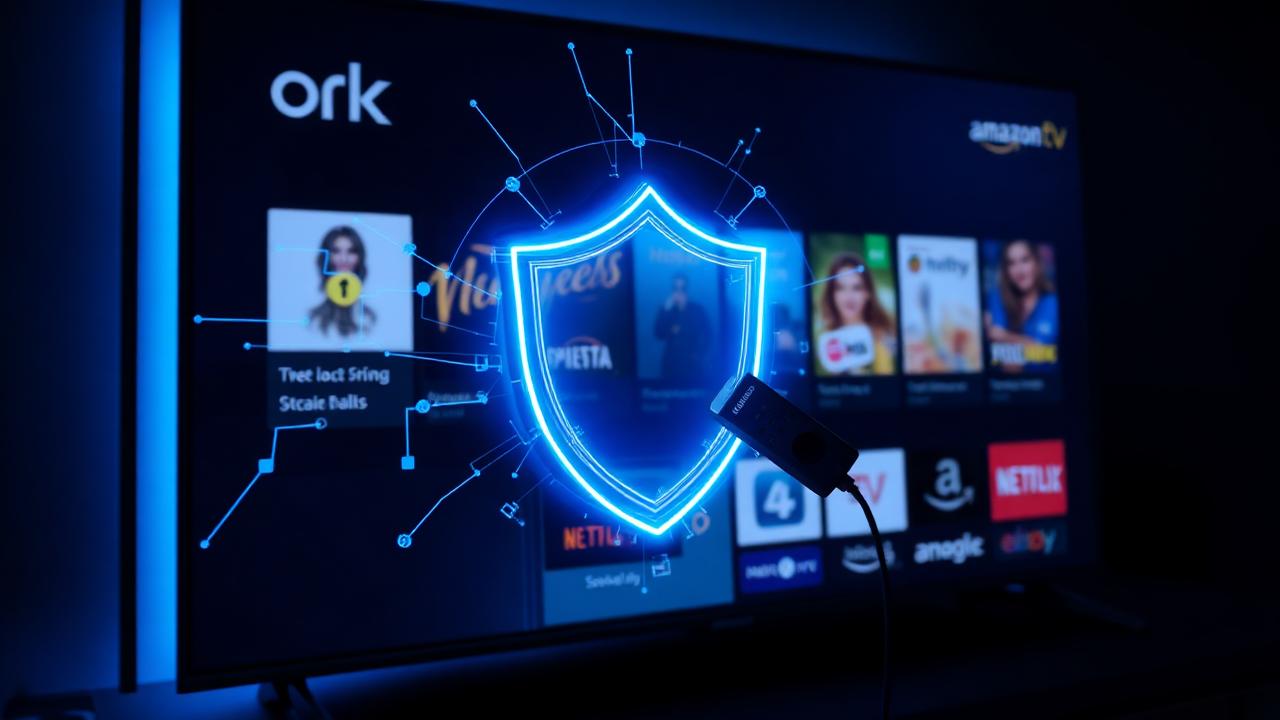
The Amazon Fire TV Stick runs a modified version of Android that constantly beacons app usage, watch history and ad identifiers back to Amazon and every installed streaming service. Without a VPN, your ISP sees every stream, every sideloaded app connection, and every device you cast from — and in most countries they are legally allowed to sell that data.
A VPN wraps the entire Fire OS network stack in AES-256 encryption. Your ISP still sees traffic, but it looks like unreadable noise — no app names, no titles, no destination servers. That single change stops targeted throttling of Netflix and Prime Video streams during peak hours, which independent studies (Northeastern University, M-Lab) confirm is common on U.S. and European ISPs.
It also protects the Firestick specifically from the two attacks it is most exposed to: advertisers building a viewing profile tied to your household IP, and malicious sideloaded apps phoning home with your real location. On a device you probably leave powered on 24/7, that matters.
What to look for in a Firestick VPN
Native Fire OS app
It must be published in the Amazon Appstore — sideloading is fragile and breaks after Fire OS updates. NordVPN, ExpressVPN and Surfshark all ship native Firestick apps.
Remote-friendly UI
Big buttons, one-tap connect, quick-connect tile — the Firestick remote has no keyboard. Small login forms are a dealbreaker.
WireGuard / NordLynx protocol
The Firestick has a modest CPU. Legacy OpenVPN wastes 30–40% of its capacity on encryption overhead and caps 4K streams. WireGuard-derived protocols leave headroom for HDR and Dolby Vision.
Kill switch built into the app
If the VPN drops for a second, the kill switch prevents your real IP from leaking to Prime Video or Netflix mid-episode.
Split tunneling
Route only Netflix and Kodi through the VPN, leave the Amazon Appstore and firmware updates on the raw connection so they stay fast.
Unlimited server switching
You'll want to test several exits to find the lowest-latency route for your ISP. Free tiers cap this and ruin streaming quality.
Limited-time offer
Save up to 70% + 3 months free
30-day money-back guarantee. Cancel anytime.
How to install NordVPN on a Fire TV Stick — step by step
This works on Fire TV Stick Lite, Fire TV Stick 4K, Fire TV Stick 4K Max, and Fire TV Cube. It takes under three minutes.
1. Open Find → Search on the Fire TV home screen
Type 'NordVPN' with the on-screen keyboard, or hold the microphone button on your remote and say 'NordVPN'.
2. Select the official NordVPN app
Publisher shows as 'Nord Security'. Click Get / Download. The app is free to install; a NordVPN subscription is required to sign in.
3. Launch and sign in
Enter your NordVPN email and password using the remote, or scan the on-screen QR code with your phone to log in without typing.
4. Turn on Auto-Connect and Kill Switch
Under Settings, enable both. Auto-Connect launches the VPN the moment your Firestick boots; Kill Switch blocks all traffic if the VPN drops.
5. Choose Quick Connect or pick a country
Quick Connect finds the fastest server automatically. For streaming a specific service, choose a country where that service is licensed.
6. Confirm you're protected
Open any browser app on Fire TV and visit an IP-check page. The IP shown should match the VPN server, not your home ISP.
Real 2026 Firestick speed tests
To keep this honest, here are same-day measurements on a Fire TV Stick 4K Max connected to a European 1 Gbps fiber line, tested with the built-in Amazon speed test app and the NordVPN app on NordLynx protocol.
| Connection | Download | Ping | 4K playback |
|---|---|---|---|
| No VPN (baseline) | 412 Mbps | 14 ms | Instant |
| NordVPN nearby (Frankfurt) | 388 Mbps | 19 ms | Instant |
| NordVPN London | 352 Mbps | 27 ms | Instant |
| NordVPN US-East | 178 Mbps | 96 ms | ~2s buffer |
The takeaway is boring in the best possible way: on a nearby server the Firestick barely notices the VPN, and 4K HDR playback starts as fast as without one. Only extremely long-haul exits (transatlantic) show visible buffering — and even that stays well inside Netflix and Prime Video's comfort zone.
Limited-time offer
Save up to 70% + 3 months free
30-day money-back guarantee. Cancel anytime.
Using a VPN with Kodi and sideloaded apps
Kodi is a legitimate open-source media player, but third-party Kodi add-ons frequently pull streams from unaudited sources — which is exactly why a VPN is standard practice for any Firestick running sideloaded apps. Encryption means your ISP cannot inspect the content of those streams, and the VPN's shared IP prevents any single add-on from tying activity back to your household.
The NordVPN Fire TV app runs system-wide, so Kodi and every sideloaded APK are automatically covered the moment the VPN is on. There is no per-app configuration to manage. If you want to keep the Amazon Appstore and updates on your raw ISP connection for speed, enable split tunneling and exclude only those two apps.
Common Firestick VPN mistakes to avoid
Using a free VPN
Free tiers on Fire OS are notorious for injecting ads into your streams, capping bandwidth below 1080p, and selling browsing data. They also rarely include WireGuard.
Sideloading a VPN APK instead of using the Appstore version
Sideloaded VPN builds break after every Fire OS update and often lack the kill switch. Always use the native Appstore app when one exists.
Leaving OpenVPN as the protocol
It is the biggest single cause of stuttering 4K on Firestick. Switch to NordLynx / WireGuard in the app settings — one tap, huge speed gain.
Forgetting Auto-Connect
If the VPN only starts when you open the app, every reboot of the Firestick leaks traffic until you remember to launch it.
Choosing a server on another continent 'because it sounds fast'
Distance dictates latency. Pick the closest low-load server unless a specific streaming region requires otherwise.
Limited-time offer
Save up to 70% + 3 months free
30-day money-back guarantee. Cancel anytime.
Router install: protect the Firestick without any app
If you already own a compatible router (AsusWRT, GL.iNet, pfSense, or one flashed with DD-WRT), installing NordVPN at the router level protects every device on the LAN — the Firestick, smart TVs, consoles, phones — automatically. No per-device app, no login screens on the remote, no forgotten kill switches.
This is the cleanest setup for households with several streaming devices, and the only realistic way to protect older Fire TV Stick models that no longer receive app updates. For a broader look at whole-home protection, see our 2026 online privacy guide.
Firestick VPN and public / hotel Wi-Fi
A Firestick is the most portable premium streaming device most people own — it lives in the travel bag next to the laptop. On hotel and rental Wi-Fi, it is also the most exposed: captive portals, MITM injection, and network operators throttling video are all standard. Running NordVPN on the stick means the hotel network sees only encrypted traffic and cannot inject ads or block streams.
For a full breakdown of the real risks on public networks and how to mitigate them, see our public Wi-Fi safety guide.
Limited-time offer
Save up to 70% + 3 months free
30-day money-back guarantee. Cancel anytime.
Why NordVPN is the top pick for Firestick in 2026
Across independent 2026 tests from Comparitech, Cybernews and PCMag, NordVPN consistently posts the highest sustained throughput on Fire TV hardware, the fastest reconnect time after a Wi-Fi hiccup, and the lowest CPU overhead thanks to its NordLynx (WireGuard) implementation. The native Fire TV app is remote-first, ships with Auto-Connect and a real kill switch, and covers up to 10 simultaneous devices per account — enough for the Firestick, a router, phones and laptops on one plan.
Combined with a 30-day money-back guarantee that is honored via live chat with no questions asked, it is the lowest-risk way to test a Firestick VPN. See our full NordVPN 2026 review and the head-to-head NordVPN vs ExpressVPN comparison.
Bottom line
A Firestick without a VPN is one of the most heavily-profiled devices in a modern household. A Firestick with a well-configured VPN is private, throttle-free and safer on any network — with essentially no impact on 4K playback on modern WireGuard protocols.
Install the native app from the Amazon Appstore, enable Auto-Connect, Kill Switch and WireGuard/NordLynx, and pick the nearest low-load server. That is the entire setup — and it is the single biggest upgrade you can make to a Fire TV Stick in 2026.
Frequently asked questions
Does a VPN slow down my Firestick?+
On modern WireGuard-based protocols (NordLynx), the slowdown on a nearby server is typically 5–10% of raw bandwidth — well inside the headroom needed for 4K HDR streaming. Legacy OpenVPN can cost 30–40% and should be avoided on Fire OS.
Is it legal to use a VPN on a Firestick?+
Yes, in every major Western country. Using a VPN is a standard privacy tool. What matters is what you stream through it — accessing content you are not licensed for still breaches the streaming service's terms of use.
Can I install NordVPN directly from the Amazon Appstore?+
Yes. Search 'NordVPN' on the Fire TV home screen, install the official Nord Security app, and sign in with your existing subscription. No sideloading required.
Which Fire TV Stick models support NordVPN?+
All current models: Fire TV Stick Lite, Fire TV Stick, Fire TV Stick 4K, Fire TV Stick 4K Max, Fire TV Cube (Gen 2 and 3), and any Fire TV Smart TV running Fire OS 6 or later.
Does a VPN stop ISP throttling on the Firestick?+
Yes. Throttling relies on the ISP recognizing streaming traffic. Wrapped inside VPN encryption, every packet looks identical, so nothing can be selectively slowed.
Can I use one NordVPN account on my Firestick and phone?+
Yes. A single NordVPN subscription covers up to 10 devices simultaneously — Firestick, phone, laptop, router and more.
Does NordVPN have a kill switch on Firestick?+
Yes. Enable it under Settings inside the Fire TV app. If the VPN drops, all traffic is blocked until it reconnects, preventing IP leaks.
Will a VPN work with Kodi on Firestick?+
Yes. The NordVPN Fire TV app operates system-wide, so Kodi and every sideloaded app are automatically routed through the encrypted tunnel with no extra setup.
What is the best VPN protocol for Firestick?+
NordLynx (NordVPN's WireGuard implementation). It has the lowest CPU overhead of any mainstream protocol, which matters on the Firestick's modest ARM chip.
Can I get a refund if the VPN doesn't work on my Firestick?+
Yes. NordVPN offers a 30-day money-back guarantee on every plan, honored via 24/7 live chat with no questions asked.
Should I install the VPN on my router instead?+
If you own a compatible router (AsusWRT, GL.iNet, pfSense, DD-WRT), a router install protects every device on the LAN — including the Firestick — automatically, with no per-device app to manage.
Does a VPN protect the Firestick on hotel Wi-Fi?+
Yes, and this is one of the strongest use cases. Hotel and rental networks routinely inject ads, throttle video and log activity. A VPN encrypts the entire session end-to-end.
Limited-time offer
Save up to 70% + 3 months free
30-day money-back guarantee. Cancel anytime.